Router Placement Guide: Where to Put Your Router for the Best Wi-Fi
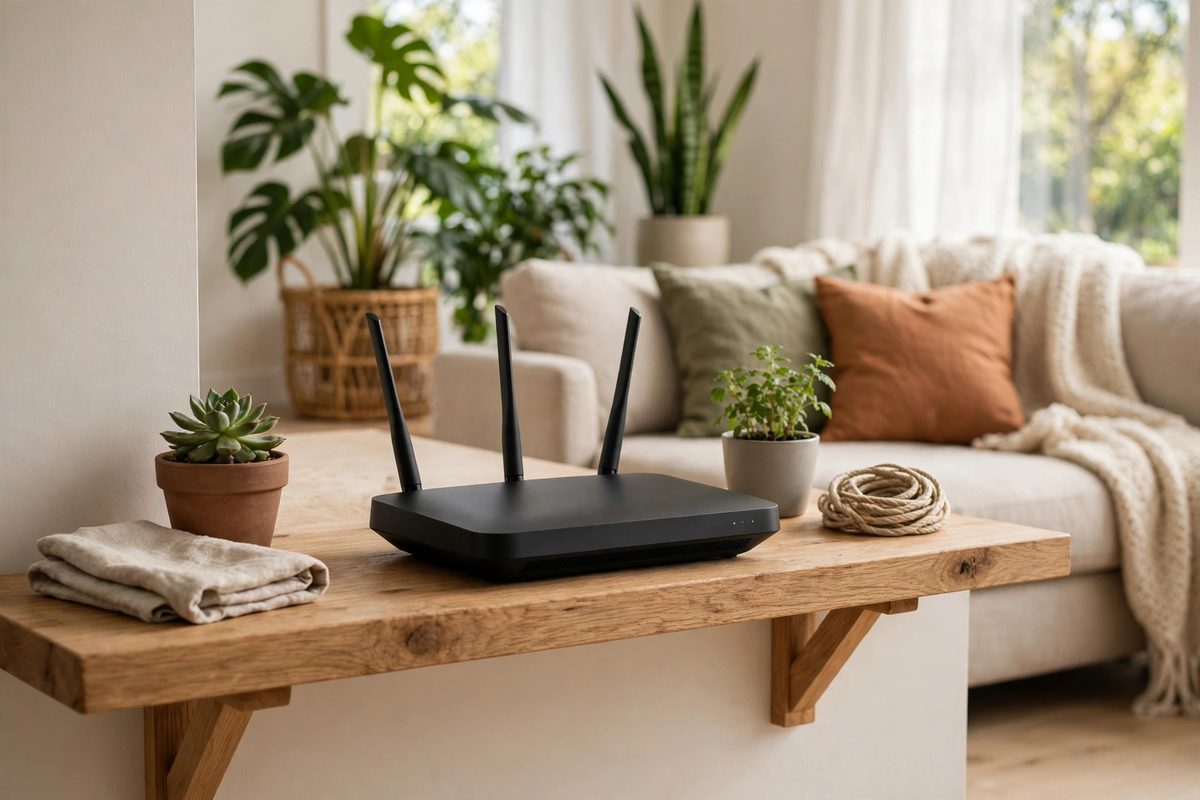
The fastest internet plan in the world will not help if your router is sitting in the wrong place. Wi-Fi is a radio signal, and like any radio signal it gets weaker with distance and struggles to pass through walls, floors, and metal. A router hidden in a cupboard, tucked behind the television, or buried in a basement corner can cut your speed in half before the signal even reaches your laptop. The good news is that moving your router is free, takes five minutes, and is often the single biggest Wi-Fi improvement you can make.
The Best Spot: High, Central, and Open
The ideal place for a router is near the centre of your home, out in the open, and raised off the floor. A shelf or a table at waist height or above works well, because the signal spreads outward and slightly downward. Put it where the people are: if everyone works and streams in the living room, the router belongs in or near the living room, not in a spare bedroom at the far end of the house. Think of the router as a light bulb. The rooms it can "see" get the strongest signal, and the rooms behind walls get the weakest.
What to Avoid
Some places are terrible for a router, even though they look convenient. Avoid the floor, where the signal is blocked by furniture and absorbed by the ground. Avoid closed cupboards, drawers, and media cabinets, which trap the signal. Keep the router away from thick walls, metal objects, mirrors, and large appliances such as fridges and washing machines. Fish tanks are surprisingly bad too: water absorbs Wi-Fi signals. And never put the router next to a microwave oven or a baby monitor, which can interfere with the same radio frequencies your Wi-Fi uses.
One Floor or Two?
In a single-storey home, a central spot on a shelf usually covers everything. In a two-storey home, place the router on the ground floor near the centre, or on the first floor if the bedrooms upstairs matter more. Wi-Fi signals travel better sideways than up and down, so a router in the basement will struggle to reach the top floor. If one router cannot cover the whole house, that is a coverage problem, not a placement problem, and the fix is a mesh system or an access point rather than moving the router again. Our guide on how to improve your Wi-Fi signal covers those options.
Antennas: Point Them the Right Way
If your router has external antennas, their position matters. For a single floor, point the antennas straight up, which spreads the signal sideways across the room. If you need coverage upstairs and downstairs, angle one antenna sideways, so the signal reaches both levels. Do not point all the antennas in the same direction, and do not fold them flat unless the manual says so. This is a small adjustment, but on some routers it makes a noticeable difference to the far rooms.
Dealing With Thick Walls and Dead Zones
Some homes fight Wi-Fi harder than others. Solid brick, concrete, and stone walls block far more signal than plasterboard. If your home has thick walls, the best placement in the world may still leave a dead zone at the far end. In that case, run an Ethernet cable to the far room and add a second access point, or use a mesh Wi-Fi system with one node in each problem area. Powerline adapters, which send the signal through your electrical wiring, are a cheaper middle ground, though their speed depends on the quality of your wiring. If the signal is still slow after moving the router, work through the steps in our guide on how to fix slow internet before buying new equipment.
Router placement is the cheapest Wi-Fi upgrade there is. Put the router high, central, and out in the open, away from metal, water, and thick walls, and test the rooms that matter. If the signal still does not reach, you have learned something useful: the problem is coverage, not placement, and a mesh system or an extra access point is the next step.
Frequently Asked Questions
Where is the best place to put a Wi-Fi router?
Near the centre of your home, out in the open, and raised off the floor, ideally on a shelf or table at waist height or above. The router should be close to the rooms where you work and stream most, with as few walls as possible between it and your devices.
Can I put my router in a cabinet?
It is best not to. A closed cabinet, cupboard, or drawer blocks and absorbs the Wi-Fi signal, which can cut your speed and range noticeably. If the router must be hidden, use an open shelf or a cabinet with a mesh or slatted door instead.
Does router height matter?
Yes. A router on the floor loses signal to furniture and the ground itself, while one placed at waist height or above spreads its signal more evenly across the room. A high shelf or a table is a simple, free way to improve coverage.
Test Your Connection Now
Run a free speed test and see your real ping, download and upload speeds in under a minute.
Start Speed Test