Wi-Fi vs Ethernet
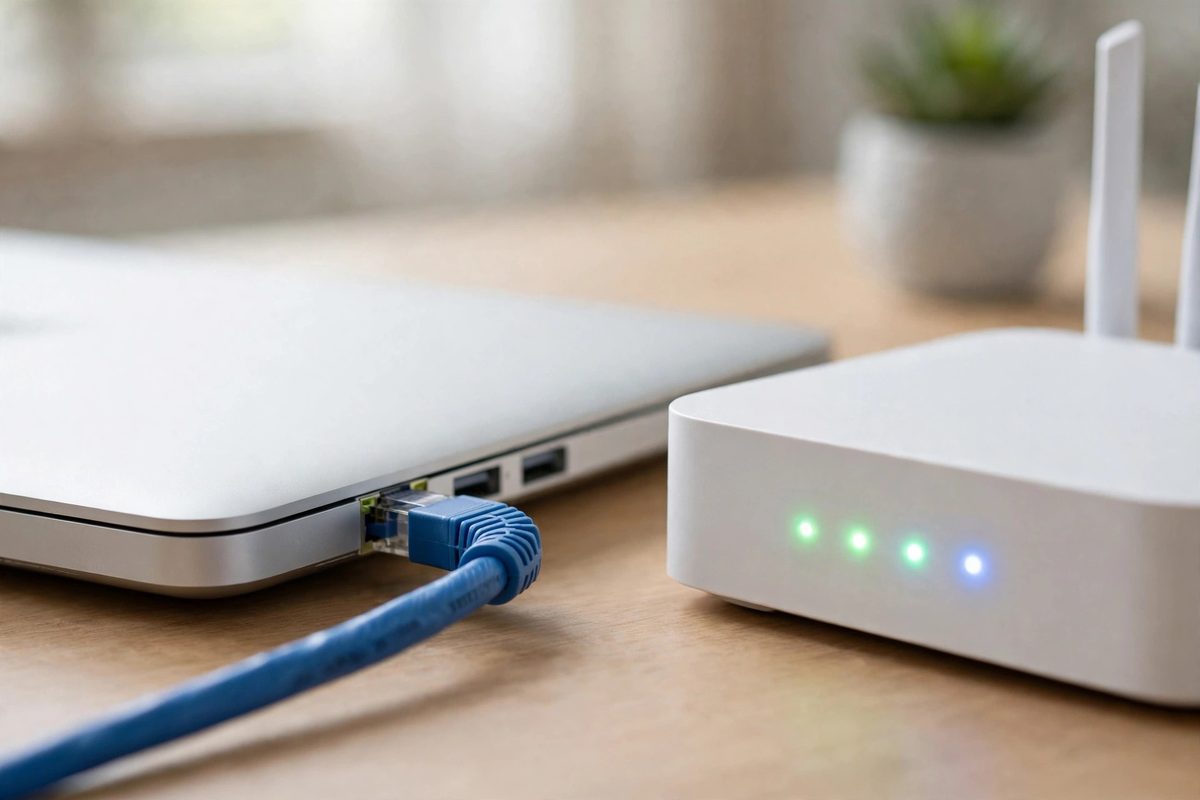
Wi-Fi and ethernet are the two ways your devices connect to your home network, and they are good at different things. Wi-Fi is wireless and convenient: it reaches every room and works with phones, tablets, and laptops that have no cable port. Ethernet is a cable that plugs your device directly into the router: it is faster, steadier, and less affected by interference. Most homes use both, and the trick is knowing which one to use for each device and each task.
What is Wi-Fi?
Wi-Fi sends data through the air using radio waves. Your router broadcasts a signal, and any device in range can join. Modern Wi-Fi is fast: a good Wi-Fi 6 router can deliver several hundred megabits per second to a nearby device. But wireless signals weaken with distance, and they struggle through thick walls, floors, and metal objects. They also share the airwaves with your neighbours' routers, microwaves, and baby monitors, which causes interference. The result is that Wi-Fi speed varies from room to room and from moment to moment, even when your internet plan stays the same.
What is ethernet?
Ethernet is a wired connection. A cable runs from a port on your router to a port on your device, and data travels along the cable. Because the cable is shielded and dedicated to one device, there is almost no interference and almost no variation: you get the same speed every time. A standard gigabit ethernet port can carry up to 1,000 Mbps, which is more than most home internet plans offer, so the cable is almost never the bottleneck. The downsides are practical: you need a cable, a free port on the router, and a device close enough to reach. Phones and most tablets have no ethernet port at all.
Wi-Fi vs ethernet at a glance
| Factor | Wi-Fi | Ethernet |
|---|---|---|
| Speed | Fast near the router, slower further away | Full plan speed, every time |
| Ping and latency | Higher and less stable | Lower and very stable |
| Reliability | Can drop or vary with interference | Very steady once plugged in |
| Convenience | Works anywhere in range, no cables | Needs a cable and a nearby port |
| Security | Protected by your Wi-Fi password | Harder to intercept, needs physical access |
| Best for | Phones, tablets, casual browsing | Gaming, video calls, desktop computers |
Speed and ping: the numbers that matter
On a 200 Mbps plan, a wired device will usually measure very close to 200 Mbps. A Wi-Fi device in the same room might measure 150 Mbps, and the same device two rooms away might measure 40 Mbps. Ping shows the same pattern: ethernet typically gives the lowest and steadiest ping, while Wi-Fi ping jumps around, especially when other devices are using the network. This is why competitive gamers and people who spend their day on video calls almost always use a cable. If you want the details, see our guide to what ping is and why it matters, and our guide to internet speed for gaming.
When to use each one
Use ethernet for anything where a drop or a delay costs you something: a desktop computer, a games console, a smart television that streams 4K, and your work laptop during important video calls. Use Wi-Fi for everything that moves around the house: phones, tablets, laptops on the sofa, smart speakers, and smart home devices. If running a cable to the television or the games console is not practical, a powerline adapter, which sends the signal through your home's electrical wiring, or a mesh Wi-Fi system can be a good middle ground. Improving your wireless coverage also helps: see our guide to how to improve your Wi-Fi signal and the router placement guide.
Can you use both at once?
Yes, and most homes already do. Your router has several ethernet ports for wired devices and a Wi-Fi radio for everything else, and they work at the same time. A common setup is to wire the devices that stay in one place and let the portable devices use Wi-Fi. You can even plug a laptop in by cable when you sit at a desk and unplug it when you move to another room. There is no need to choose one or the other for the whole house: choose per device, based on what that device does.
Frequently Asked Questions
Is ethernet really faster than Wi-Fi?
Yes, in practice. Ethernet delivers the full speed of your plan with very low and stable ping, while Wi-Fi speed drops with distance, walls, and interference. Modern Wi-Fi can be fast near the router, but ethernet is more consistent in every room it reaches.
Do I need ethernet if my Wi-Fi is fast?
Not for everyday browsing, streaming, or social media — good Wi-Fi is plenty for those. Ethernet is worth it for competitive gaming, important video calls, 4K streaming on a fixed television, and large file transfers, where stability matters as much as speed.
Can I add ethernet to a room without a cable?
Yes. Powerline adapters send the network signal through your home's electrical wiring, and a mesh Wi-Fi system can place a wired port in another room using a satellite unit. Both are simpler than running a long cable through walls, though a direct cable still performs best.
Test Your Connection Now
Run a free speed test and see your real ping, download and upload speeds in under a minute.
Start Speed Test